> ## Documentation Index
> Fetch the complete documentation index at: https://docs.termique.app/llms.txt
> Use this file to discover all available pages before exploring further.
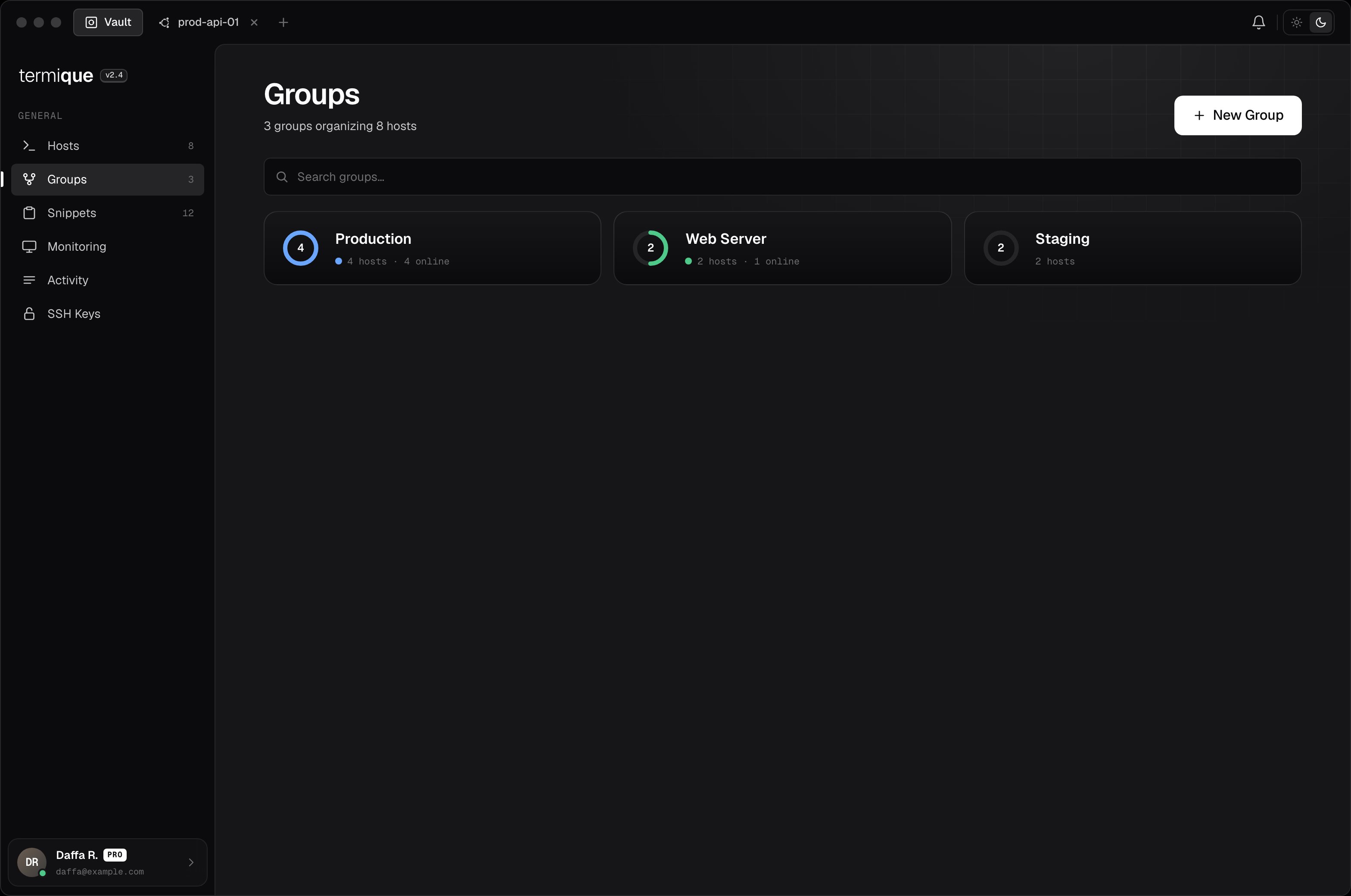
# Groups
> Organize hosts into named, color-coded groups.
Groups are named collections of hosts. Use them to separate environments (e.g. `production`, `staging`) or projects.
 ## Create a group
1. Click the **+** button next to the group list in the sidebar.
2. Enter a **name** and pick a **color**.
3. Click **Save**.
## Add hosts to a group
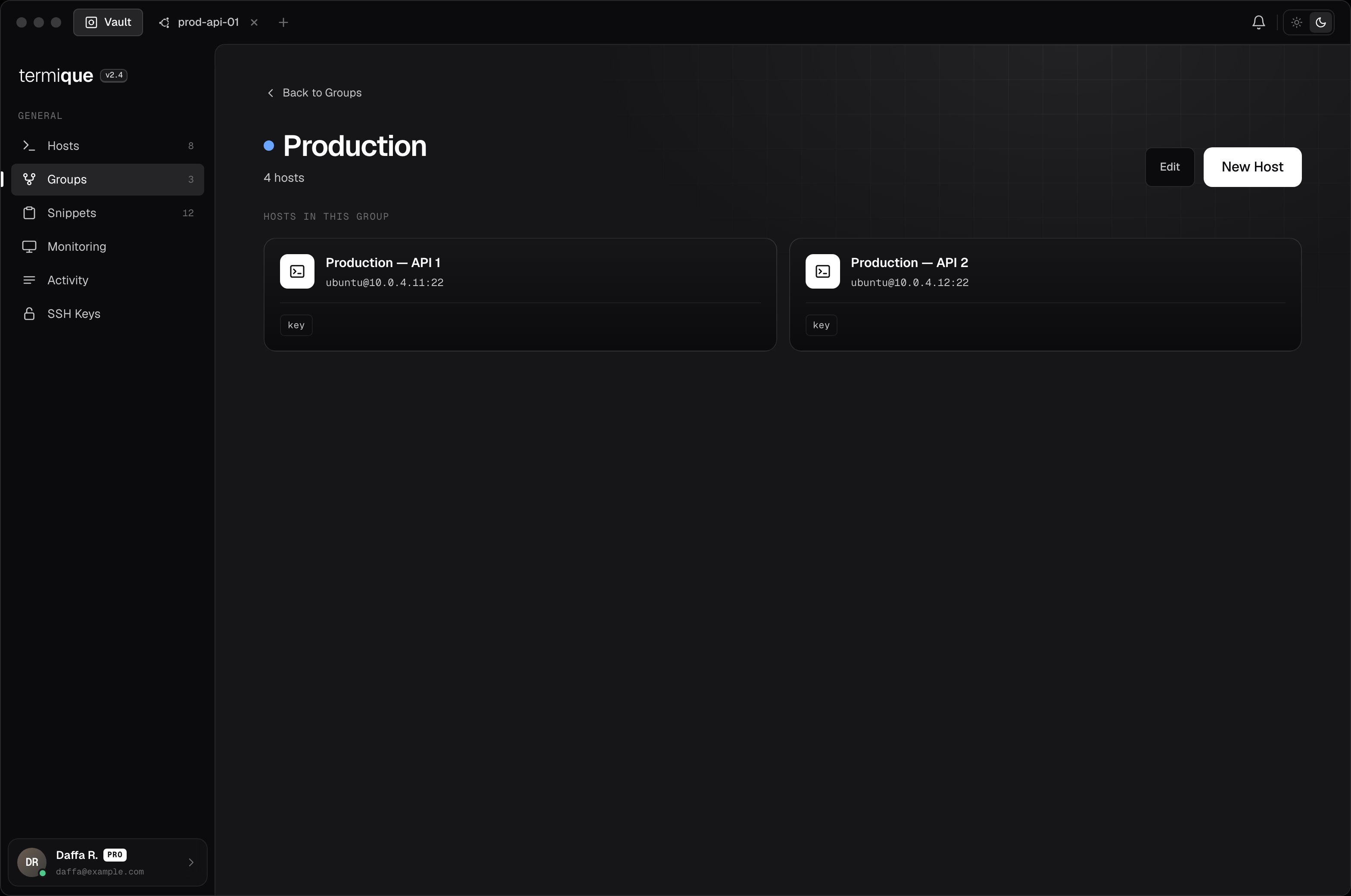
Open the group and click **Add hosts**, then select from your host list. A host can belong to more than one group.
Alternatively, open a host's edit form and assign it to a group from there.
## Create a group
1. Click the **+** button next to the group list in the sidebar.
2. Enter a **name** and pick a **color**.
3. Click **Save**.
## Add hosts to a group
Open the group and click **Add hosts**, then select from your host list. A host can belong to more than one group.
Alternatively, open a host's edit form and assign it to a group from there.
 ## Remove a host from a group
Open the group, right-click the host entry, and select **Remove from group**. This does not delete the host. It only removes the association.
## Edit or delete a group
Right-click a group in the sidebar:
* **Edit**: rename or change the color.
* **Delete**: removes the group. Hosts inside are not deleted.
## Sync
Groups are synced to your API backend along with their host membership lists. If you add or remove a host from a group on one device, the change propagates to other devices on next sync.
## Remove a host from a group
Open the group, right-click the host entry, and select **Remove from group**. This does not delete the host. It only removes the association.
## Edit or delete a group
Right-click a group in the sidebar:
* **Edit**: rename or change the color.
* **Delete**: removes the group. Hosts inside are not deleted.
## Sync
Groups are synced to your API backend along with their host membership lists. If you add or remove a host from a group on one device, the change propagates to other devices on next sync.