> ## Documentation Index
> Fetch the complete documentation index at: https://docs.termique.app/llms.txt
> Use this file to discover all available pages before exploring further.
# Security & encryption
> How Termique protects your credentials and what the master password does.
Termique uses end-to-end encryption. Your credentials are encrypted on your device before they are stored locally or synced. The Termique servers never see plaintext passwords or private keys.
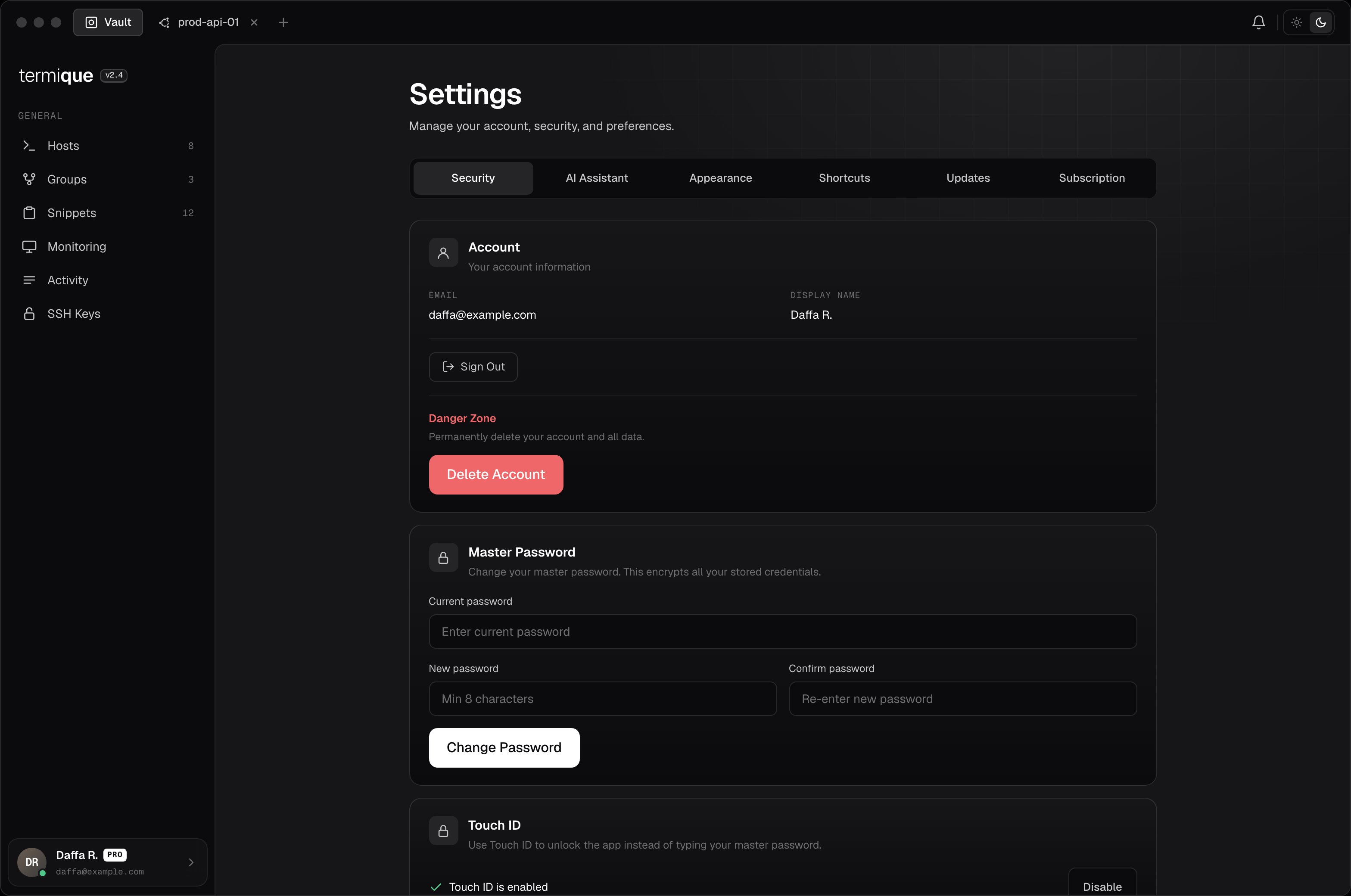
## Master password
On first launch, you set a master password. This password:
* Is used to derive an encryption key (with a random per-user salt).
* Never leaves your device.
* Is never sent to any server.
* Cannot be recovered if lost. There is no reset mechanism.
Store it in a password manager. You can change it later from **Settings → Security**.
 ## Data Encryption Key (DEK)
At setup, Termique generates a random DEK. The DEK is:
* Wrapped (encrypted) using the key derived from your master password.
* Stored locally and, if sync is enabled, in the API backend as an encrypted blob.
* Used to encrypt every credential (SSH passwords and private keys) before storage.
When you unlock the app with your master password, the DEK is unwrapped and held in memory. It is never accessible outside the app's secure layer.
## Credential encryption
Every credential stored by Termique is encrypted using the DEK. Encryption is performed before the credential reaches any storage layer, local or remote. The app does not retain plaintext credentials after the encryption step.
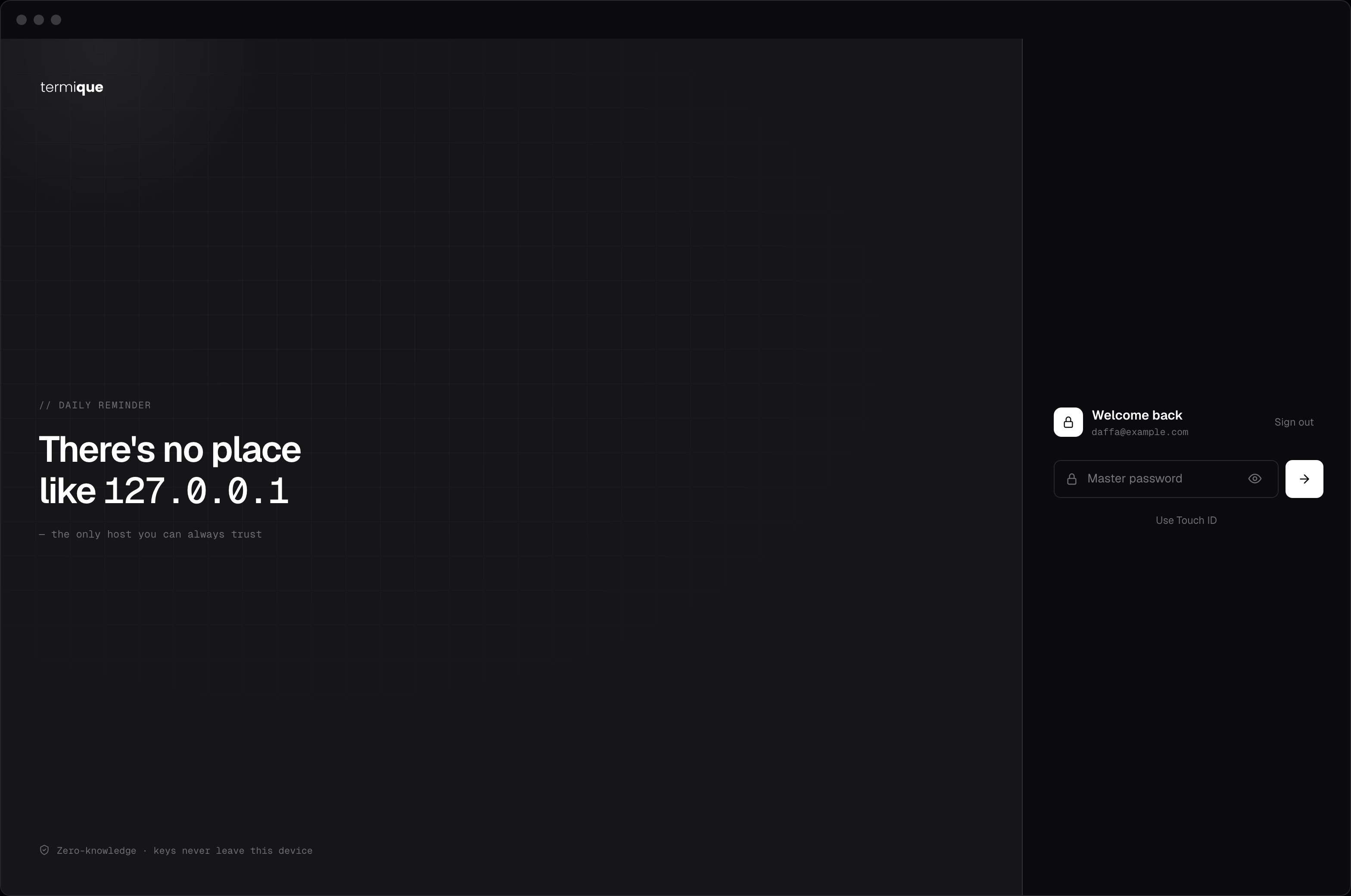
## Unlock flow
1. You enter your master password in the unlock screen.
2. Termique derives the encryption key using your stored salt.
3. The wrapped DEK is fetched from local storage (or the backend on a fresh install) and unwrapped.
4. A verification blob is checked to confirm the master password is correct before proceeding.
If the master password is wrong, the DEK cannot be unwrapped and no credentials are accessible.
## Data Encryption Key (DEK)
At setup, Termique generates a random DEK. The DEK is:
* Wrapped (encrypted) using the key derived from your master password.
* Stored locally and, if sync is enabled, in the API backend as an encrypted blob.
* Used to encrypt every credential (SSH passwords and private keys) before storage.
When you unlock the app with your master password, the DEK is unwrapped and held in memory. It is never accessible outside the app's secure layer.
## Credential encryption
Every credential stored by Termique is encrypted using the DEK. Encryption is performed before the credential reaches any storage layer, local or remote. The app does not retain plaintext credentials after the encryption step.
## Unlock flow
1. You enter your master password in the unlock screen.
2. Termique derives the encryption key using your stored salt.
3. The wrapped DEK is fetched from local storage (or the backend on a fresh install) and unwrapped.
4. A verification blob is checked to confirm the master password is correct before proceeding.
If the master password is wrong, the DEK cannot be unwrapped and no credentials are accessible.
 ## Failed attempts
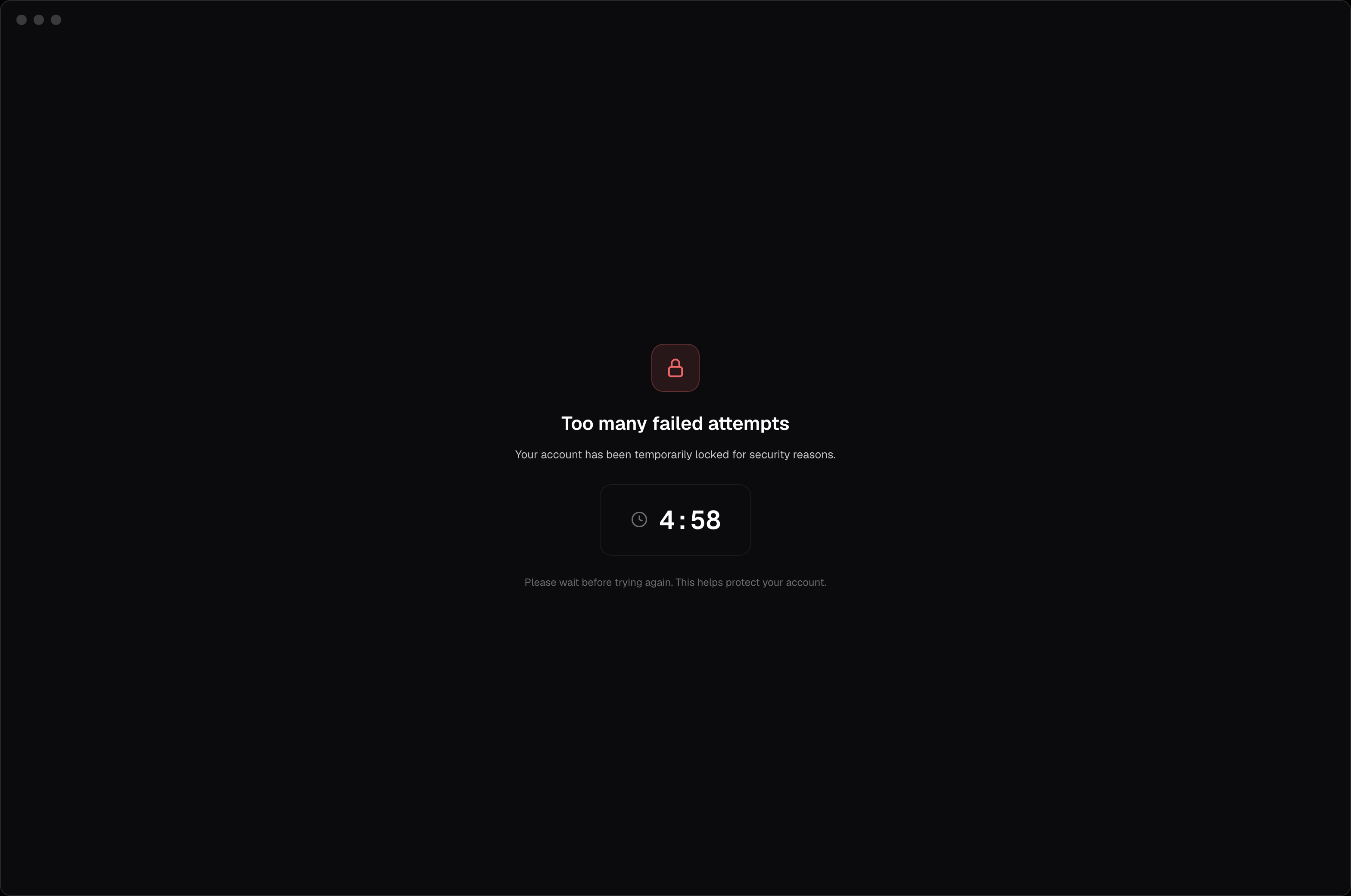
After 5 failed unlock attempts, Termique locks the unlock screen for 5 minutes. This applies regardless of which device or password you're trying. It protects against brute-force guessing of your master password.
## Failed attempts
After 5 failed unlock attempts, Termique locks the unlock screen for 5 minutes. This applies regardless of which device or password you're trying. It protects against brute-force guessing of your master password.
 ## What Termique stores server-side
| Data | Stored as |
| ------------------------ | ------------------------------------------------------------ |
| Hosts, groups, snippets | Plaintext (non-sensitive metadata) |
| SSH passwords | Encrypted ciphertext |
| SSH private keys | Encrypted ciphertext |
| Wrapped DEK | Encrypted ciphertext (wrapped with your master password key) |
| Salt + verification blob | Stored to enable unlock on new devices |
Termique's servers cannot decrypt credentials. They store and return ciphertext.
## Locking the app
Locking the app clears the DEK from memory. Credentials cannot be accessed until you unlock again with your master password.
## What Termique stores server-side
| Data | Stored as |
| ------------------------ | ------------------------------------------------------------ |
| Hosts, groups, snippets | Plaintext (non-sensitive metadata) |
| SSH passwords | Encrypted ciphertext |
| SSH private keys | Encrypted ciphertext |
| Wrapped DEK | Encrypted ciphertext (wrapped with your master password key) |
| Salt + verification blob | Stored to enable unlock on new devices |
Termique's servers cannot decrypt credentials. They store and return ciphertext.
## Locking the app
Locking the app clears the DEK from memory. Credentials cannot be accessed until you unlock again with your master password.