
Termique uses end-to-end encryption. Your credentials are encrypted on your device before they are stored locally or synced. The Termique servers never see plaintext passwords or private keys, and cannot derive your encryption key from anything they store.
This applies to every host you haven’t shared. See Shared credentials below for how sharing changes this.

Master password

On first launch, you set a master password. This password:
  • Is used to derive an encryption key (with a random per-user salt).
  • Never leaves your device.
  • Is never sent to any server.
  • Cannot be recovered if lost. There is no reset mechanism.
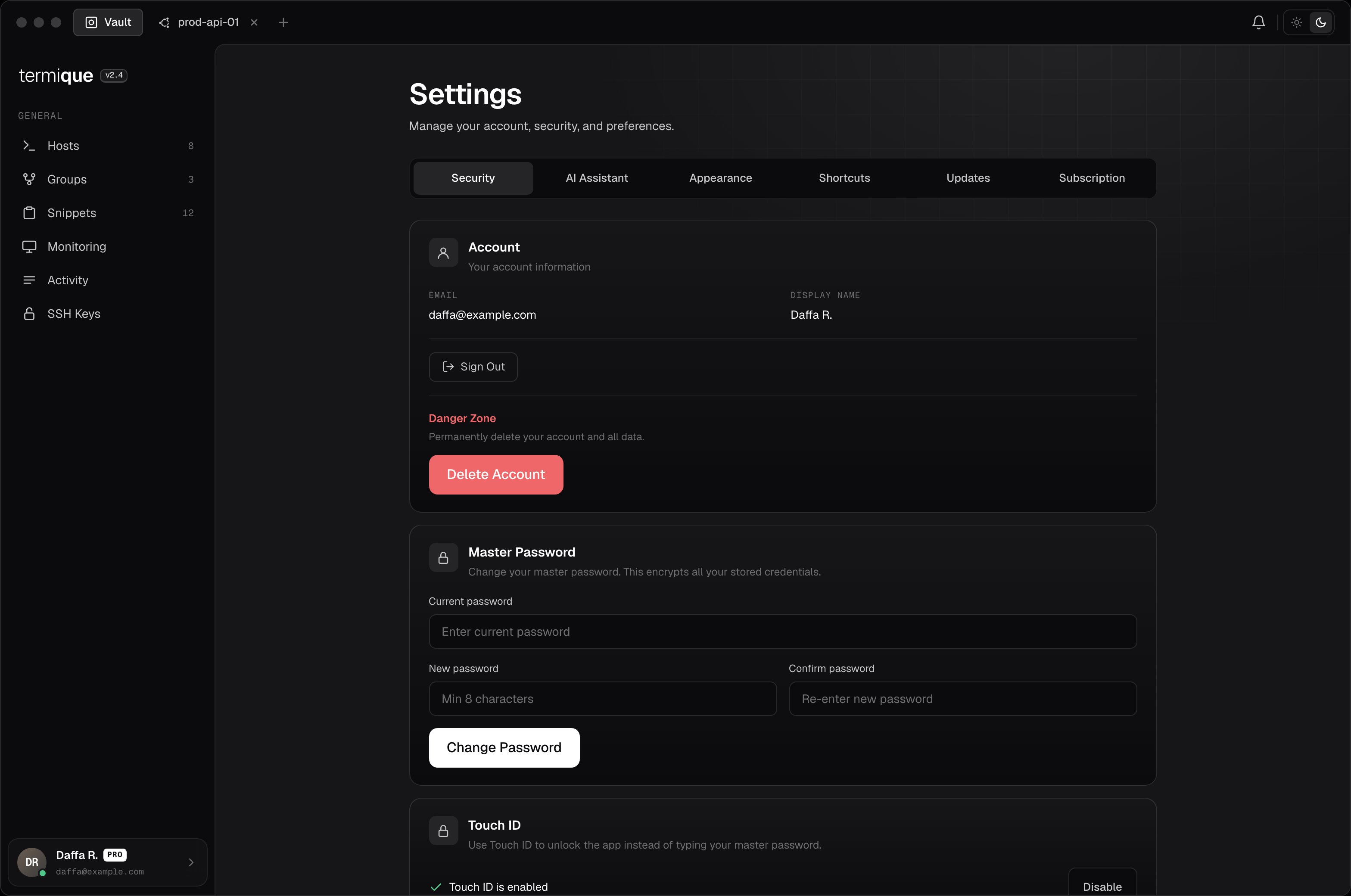
Store it in a password manager. You can change it later from Settings → Security.
Settings Security tab showing account, master password, and Touch ID

Data Encryption Key (DEK)

At setup, Termique generates a random DEK. The DEK is:
  • Wrapped (encrypted) using the key derived from your master password.
  • Stored locally and, if sync is enabled, in the API backend as an encrypted blob.
  • Used to encrypt every credential (SSH passwords and private keys) before storage.
When you unlock the app with your master password, the DEK is unwrapped and held in memory. It is never accessible outside the app’s secure layer.

Credential encryption

Every credential stored by Termique is encrypted using the DEK. Encryption is performed before the credential reaches any storage layer, local or remote. The app does not retain plaintext credentials after the encryption step.

Unlock flow

  1. You enter your master password in the unlock screen.
  2. Termique derives the encryption key using your stored salt.
  3. The wrapped DEK is fetched from local storage (or the backend on a fresh install) and unwrapped.
  4. A verification blob is checked to confirm the master password is correct before proceeding.
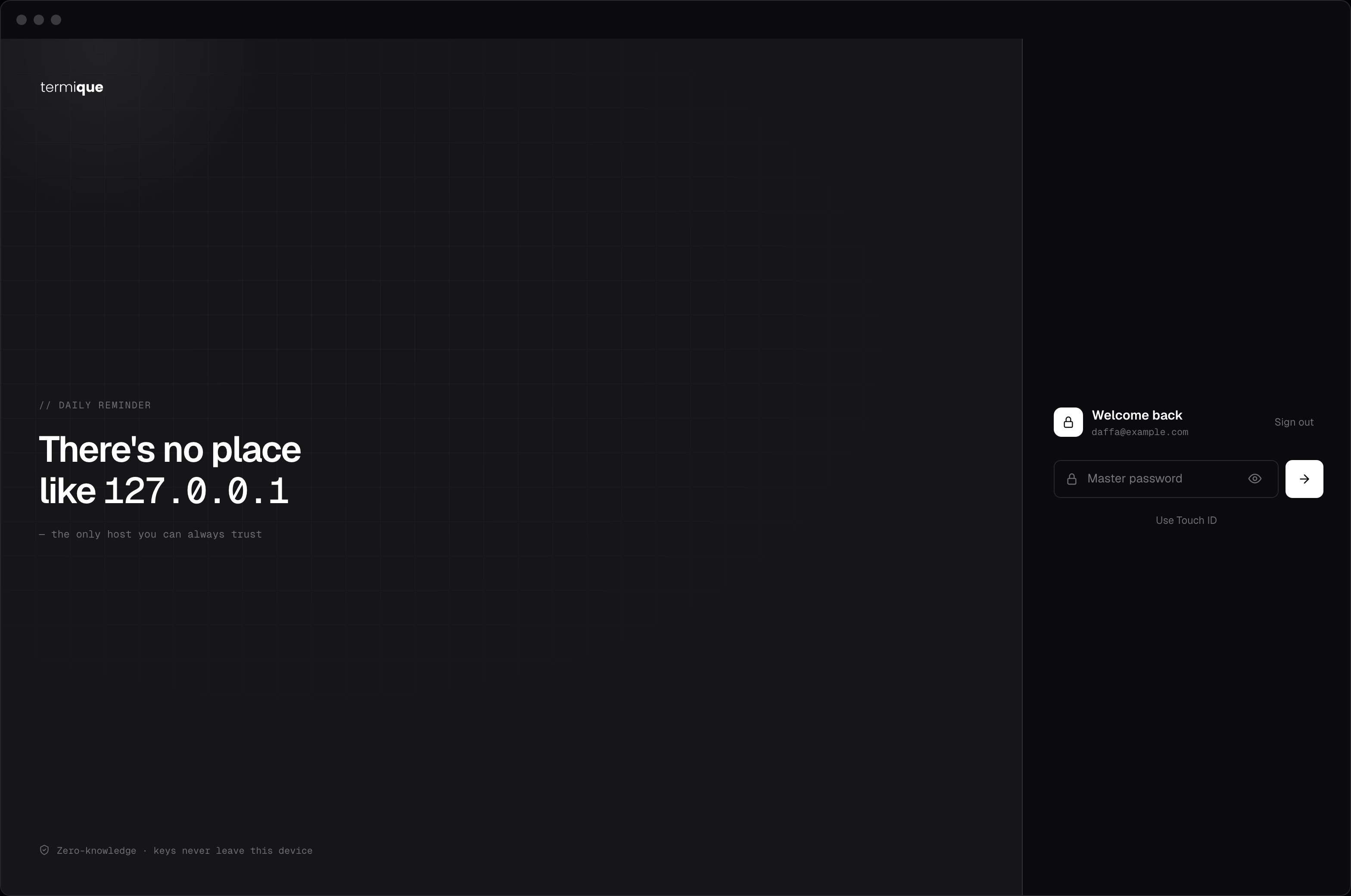
If the master password is wrong, the DEK cannot be unwrapped and no credentials are accessible.
Unlock screen prompting for the master password

Failed attempts

After 5 failed unlock attempts, Termique locks the unlock screen for 5 minutes. This applies regardless of which device or password you’re trying. It protects against brute-force guessing of your master password.
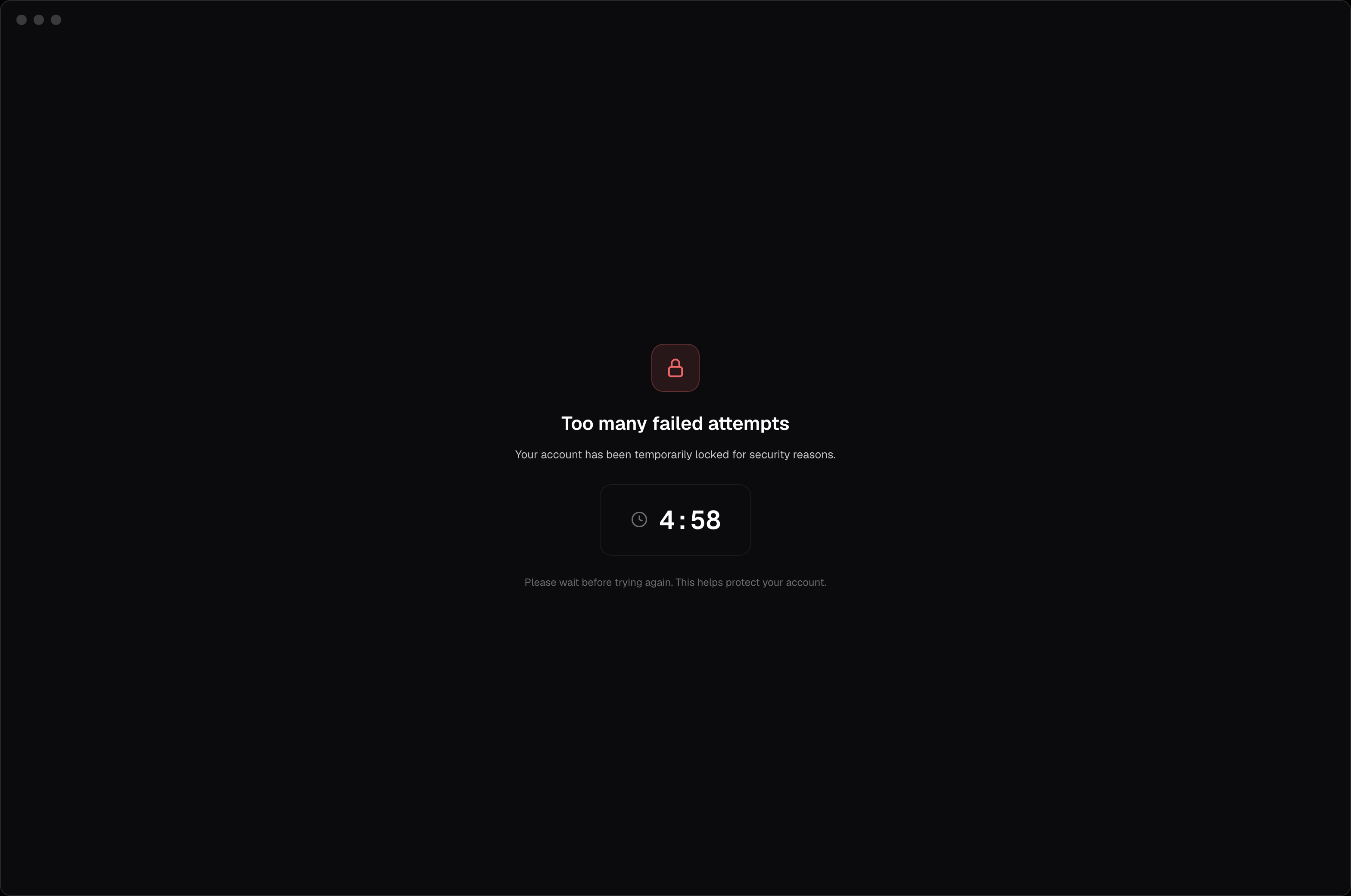
Lockout screen showing a countdown after too many failed attempts

What Termique stores server-side

Termique’s servers cannot decrypt credentials. They store and return ciphertext.

Shared credentials

Sharing a host works differently, because it requires relaying a key between two devices that have no other channel between them. As of the current desktop release, that key is wrapped with the recipient’s own key before it reaches Termique’s servers, the same standard as an unshared host: Termique has no technical ability to read what’s been shared, once both the sharer and the recipient are on an updated build. If either person is on a build from before this change, or on a platform that hasn’t received it yet, the share falls back to an older method where the server holds a secret capable of unwrapping that key. This is being phased out; check the changelog for the version that applies to your platform.

Locking the app

Locking the app clears the DEK from memory. Credentials cannot be accessed until you unlock again with your master password.