

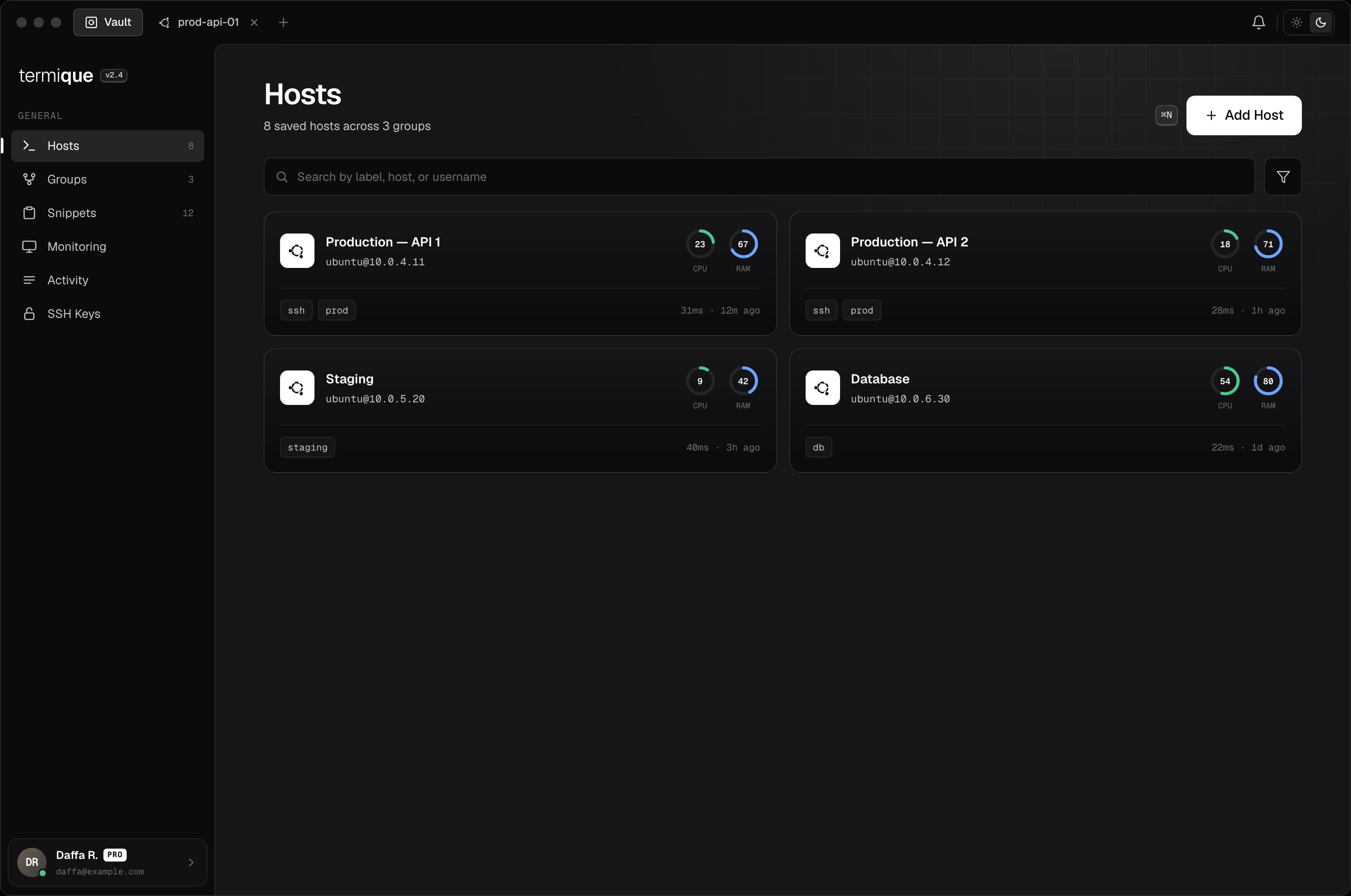
Add a host
-
Click Add host in the sidebar (or press the
+button next to the host list). -
Fill in the fields:
- Click Save. The credential is encrypted with your DEK before it is stored.
Free accounts are limited to 3 hosts. Upgrade to Pro for unlimited hosts.
Edit a host
Right-click a host in the sidebar and select Edit, or open the host detail and click the edit icon. Changes are saved locally and synced to your API backend if sync is enabled.Delete a host
Right-click a host and select Delete. This removes the entry from local storage and the API backend. Active sessions connected to that host are not affected until you disconnect.Connect
Click a host in the sidebar. Termique opens a terminal session. The credential is decrypted and used to establish the SSH connection. It is never stored or logged in plaintext.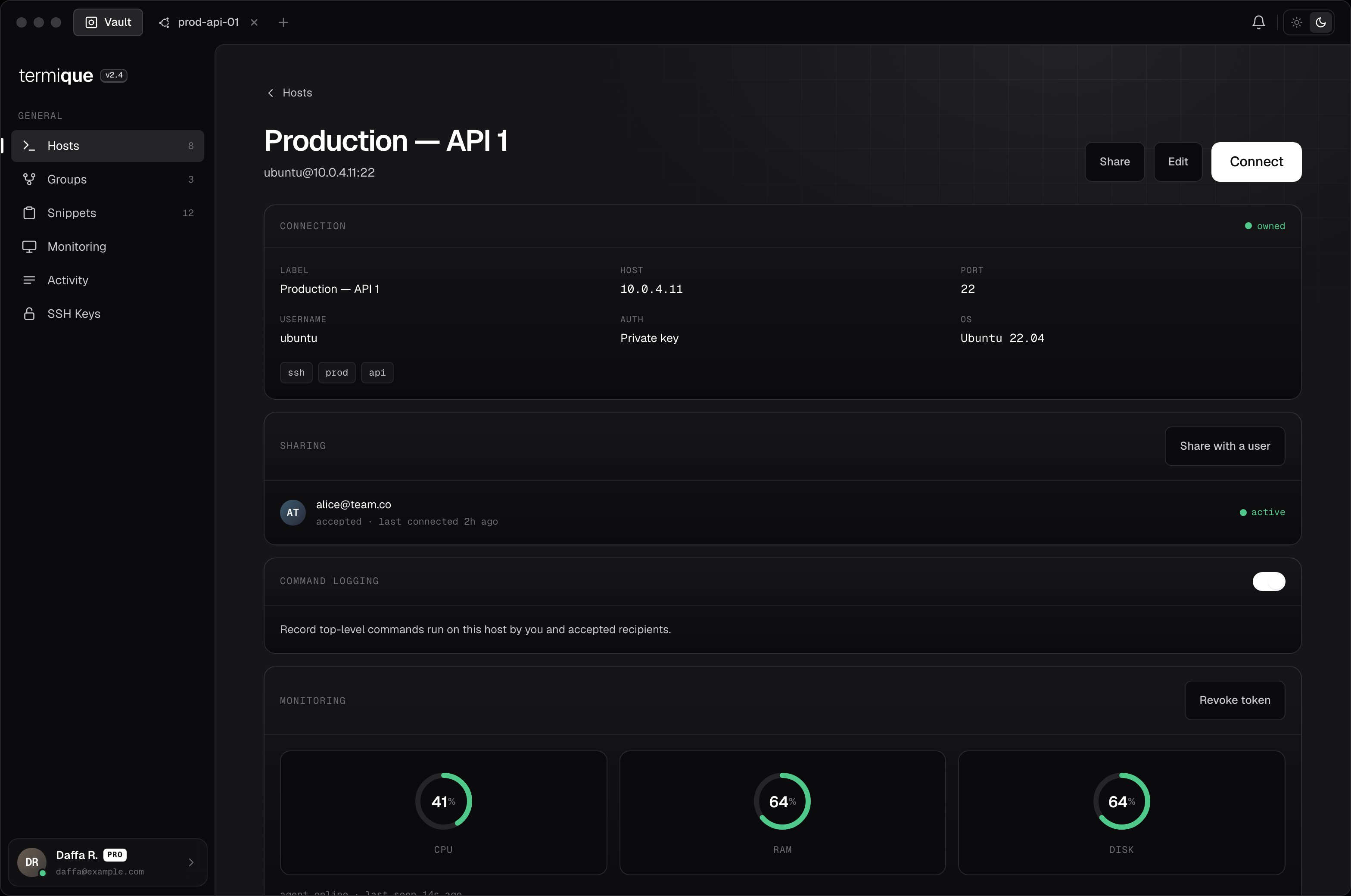
Tags
Tags are free-form strings attached to a host. Use them to filter the host list. A host can have multiple tags, e.g.production, aws, us-east-1.