

2 on. Each host’s detail page also has a Port forwards tab with that host’s rules.
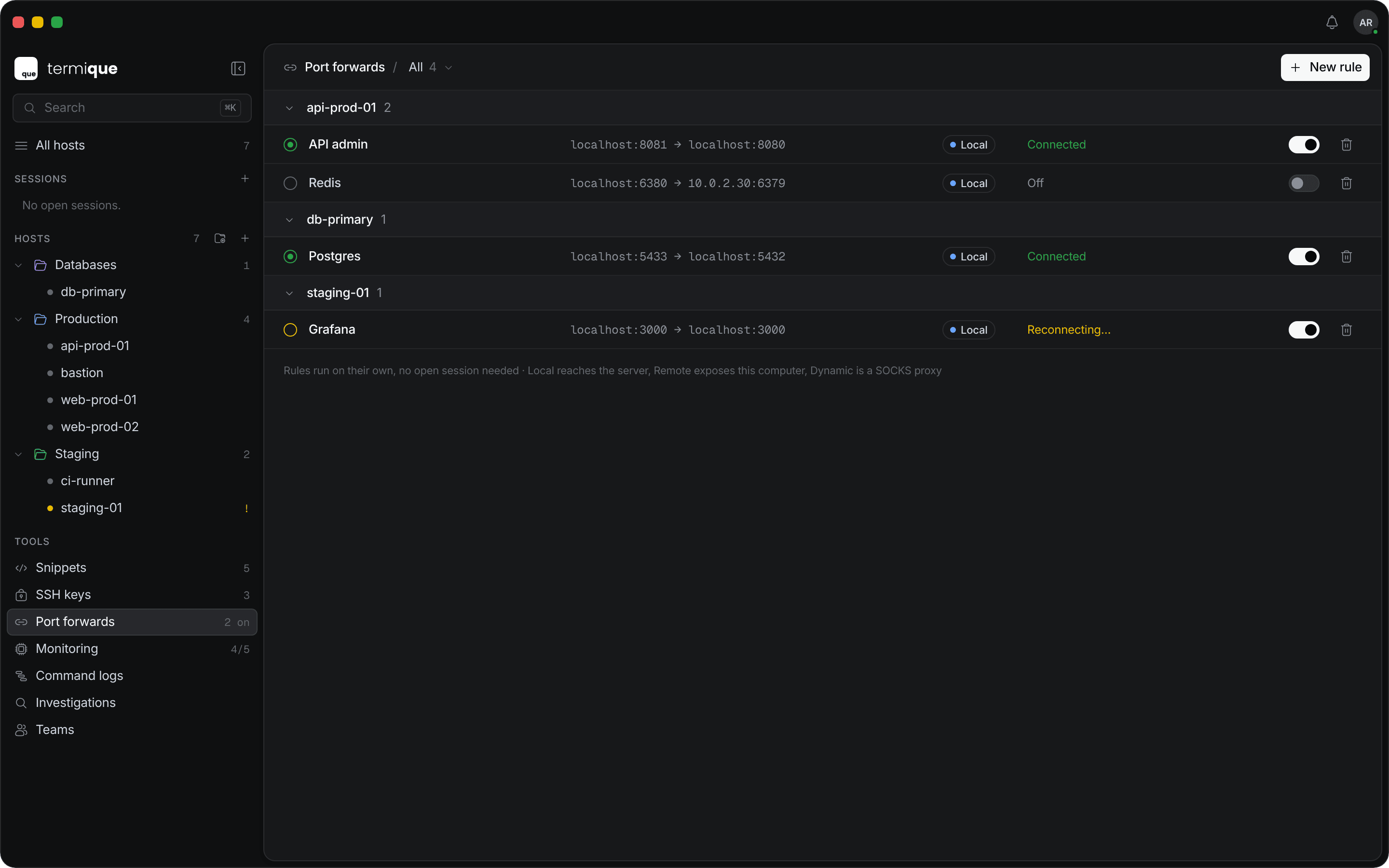
Forward types
Local and SOCKS5 forwards listen on
127.0.0.1 only. A remote forward listens on 127.0.0.1 on the host.
Add a rule
1
Open Add port forward
On the Port forwards page, click New rule. On a host’s Port forwards tab, click Add port forward.
2
Pick the host and type
Select the Host (on the Port forwards page only), add an optional Label such as
Postgres tunnel, and choose the Type.3
Set the ports
4
Save and turn it on
Click Add port forward. The rule is created turned off. Turn on its switch to start it.
1024 may need elevated permissions on macOS and Linux.
Add a forward from a session
In a session header, click Forward a port. This adds a Local forward for the session’s host. Enable immediately is on by default, so forwarding starts as soon as you click Add port forward.Status
Use the All, Running, and Failing views to filter the list.
How rules run
- A rule opens its own connection to the host, so it does not need a terminal session. It shares that connection with your sessions to the same host when one is open.
- Rules that are turned on start again after you sign in or unlock Termique.
- Rules for a host behind a jump host tunnel through the whole chain.