

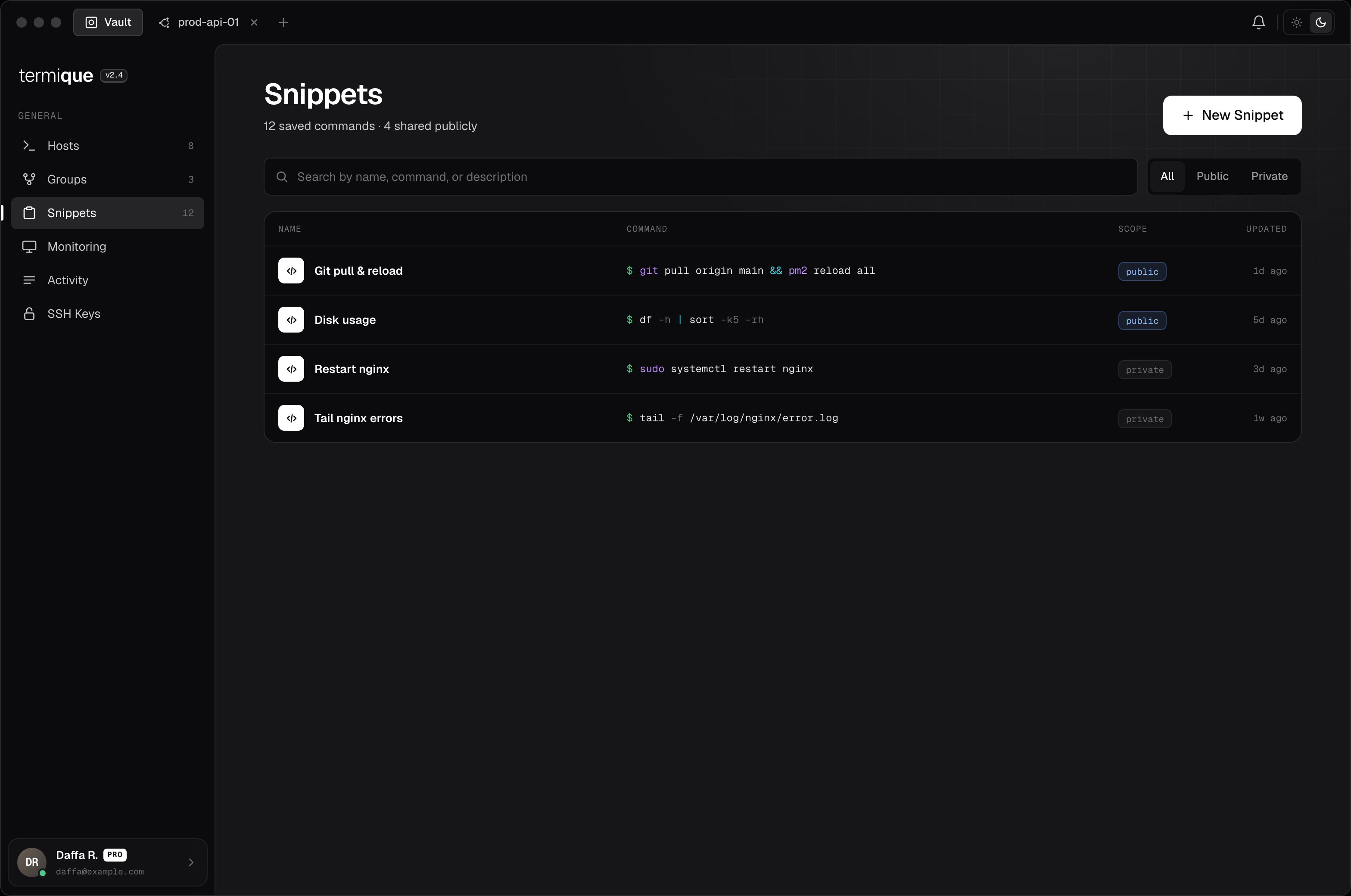
Create a snippet
- Open the Snippets panel in the sidebar.
- Click New snippet.
- Enter a label (e.g.
Restart nginx) and the command (e.g.sudo systemctl restart nginx). - Click Save.
Free accounts are limited to 10 snippets (forking a public snippet counts toward this limit). Upgrade to Pro for unlimited snippets.
Run a snippet
Open a terminal session, then open the Snippets panel. Click a snippet to send the command to the active session. The command is inserted into the terminal as if you typed it.Edit or delete a snippet
Right-click a snippet and select Edit or Delete. Changes sync to your API backend.Publish a snippet
Toggle Public when creating or editing a snippet to list it in the Marketplace. Anyone can find and fork a public snippet. Do not publish a snippet that contains a hostname, credential, or other sensitive value.Public snippets
Browse community-shared snippets in the Marketplace tab of the Snippets panel. Search by keyword. To use a public snippet, click Fork: this copies it to your personal snippets where you can edit it before running.Public snippets are read-only in the marketplace. Always review a snippet’s command before running it on a production host.