

Open a session
Click a host in the sidebar. The terminal opens in the main panel. Each session runs in its own tab.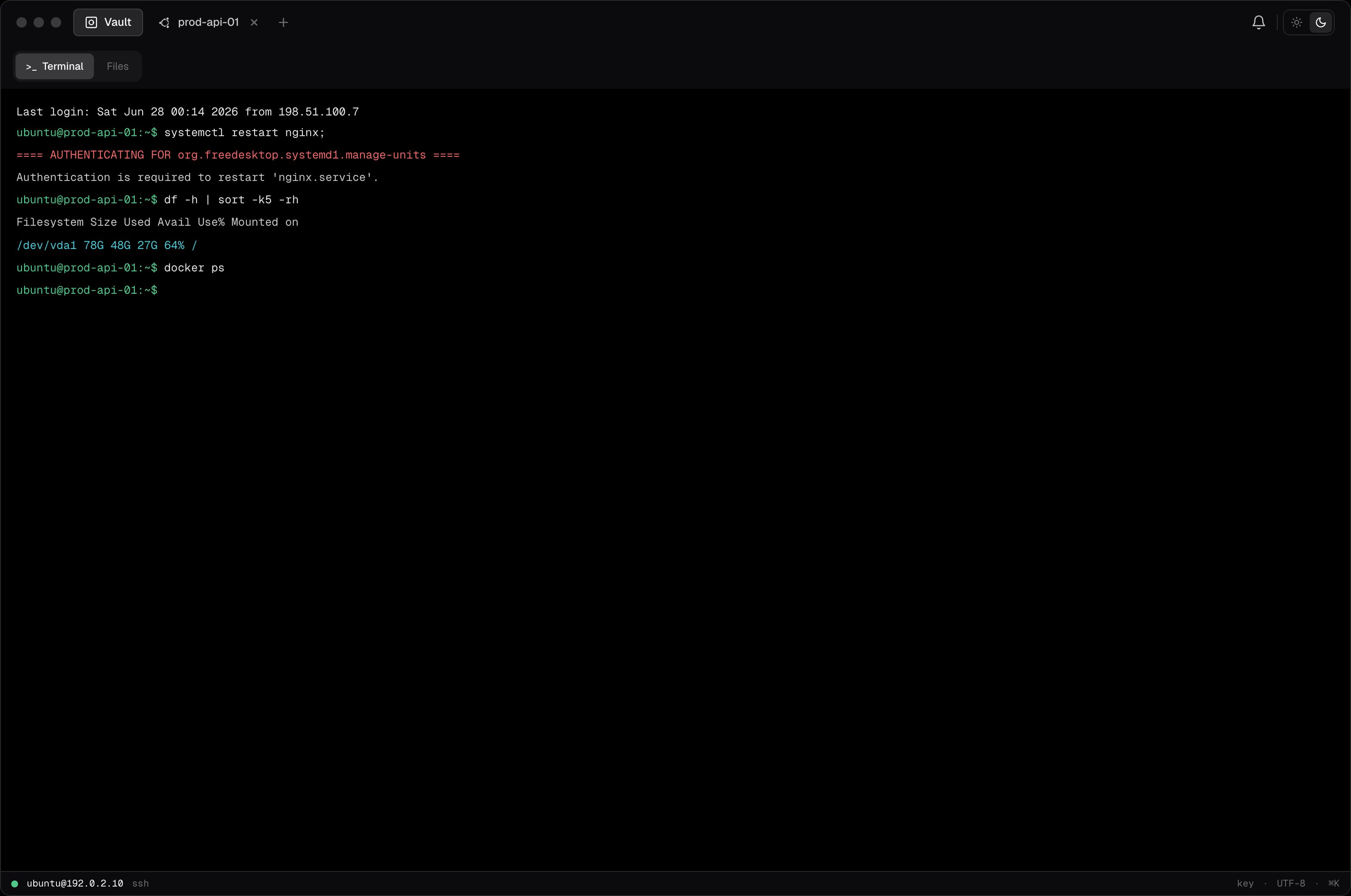
Multiple sessions
Click another host while a session is open. A new tab appears at the top. Switch between tabs by clicking them or using the keyboard shortcut. Sessions are independent. Each maintains its own SSH connection and PTY state.Resize
Drag the terminal panel edges or resize the app window. Termique sends aSIGWINCH signal to the remote PTY so the shell reflects the new dimensions.
Copy and paste
- Copy: select text with the mouse. The selection is copied automatically.
- Paste: right-click and select Paste, or use the OS paste shortcut (
Cmd+V/Ctrl+Shift+V).
Disconnect
Click Disconnect in the session tab menu, or close the tab. This sends a clean SSH session close to the server. The host entry is not deleted.Session status
The tab label shows the host label and a status indicator:- Connected: active SSH session
- Disconnected: session closed or dropped
- Reconnecting: Termique is attempting to reconnect after a network interruption