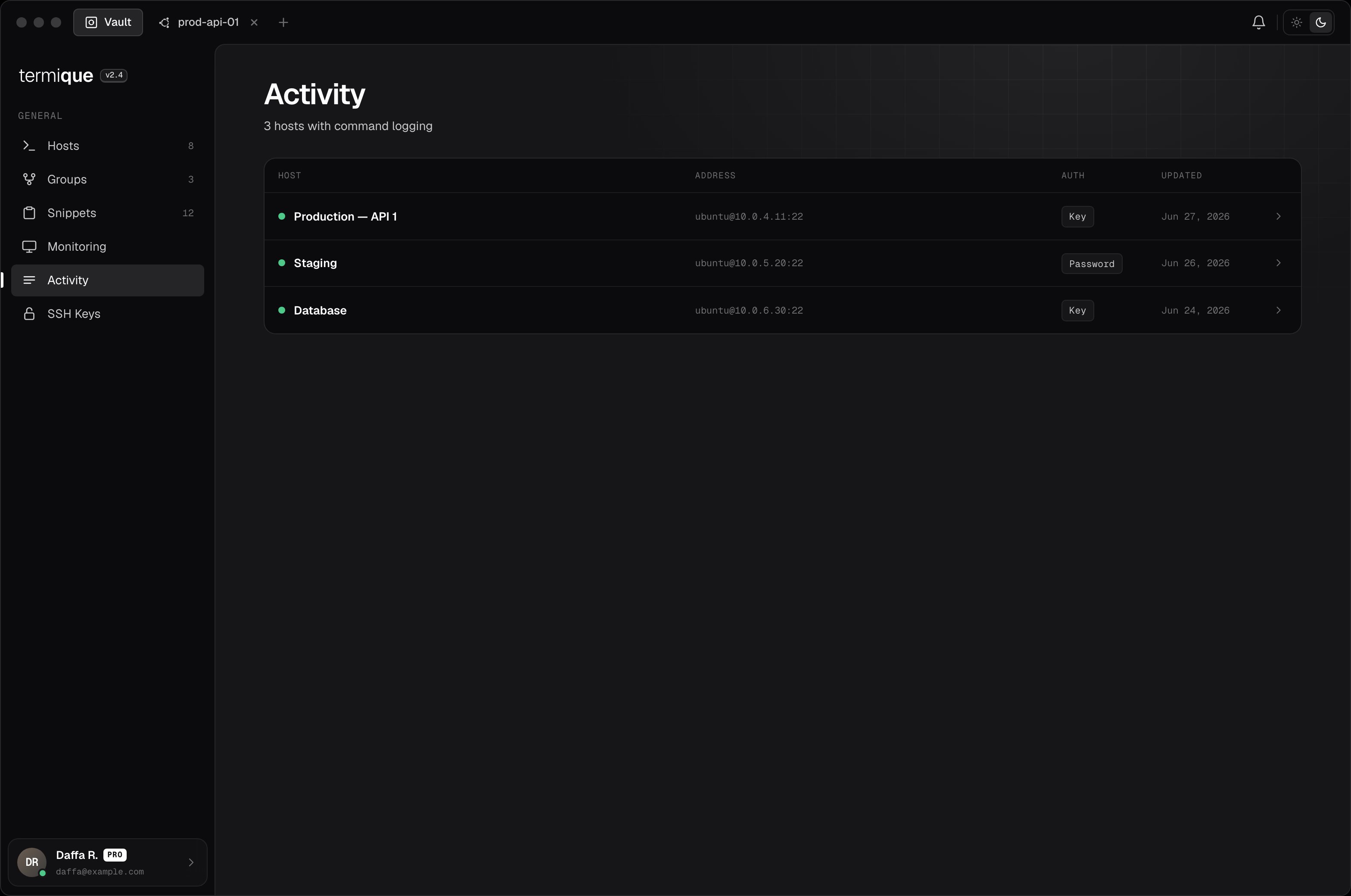
Command logs record keystrokes and commands entered during a session. They are useful for auditing activity on shared hosts or tracking what was run during an incident.

Enable logging on a host

  1. Open the host edit form.
  2. Toggle Command logging on.
  3. Save.
All sessions on that host will be logged from that point forward.

What is recorded

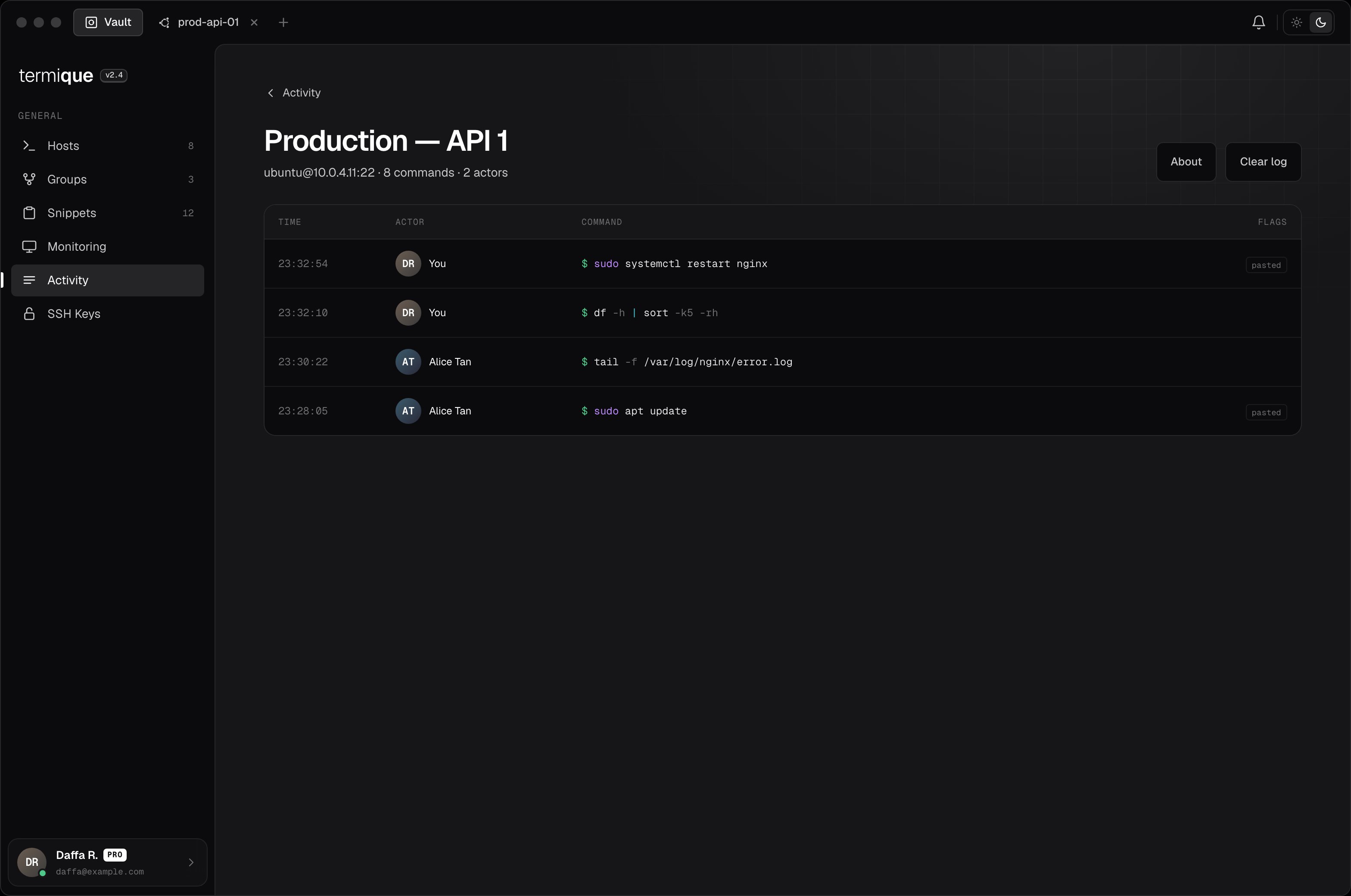
Each log entry captures:
FieldValue
TimestampWhen the input was received
Session IDWhich terminal session
Kindinput (keystrokes) or output (terminal output, if enabled)
PayloadThe text content
PastedWhether the input was pasted (vs. typed)
ActorThe Termique user who ran the session

View logs

Open the host detail and click Command logs. Logs are listed chronologically. You can filter by session or date range.
Shared hosts

If you accept a shared host with command logging enabled, the host owner can see your session logs. You are shown a consent prompt at the time you accept the invite. See Sharing.

Log retention

Logs are stored in the API backend. You can delete logs older than a given date from the host’s command log settings.

Privacy

Command logs are stored on the Termique backend. They are not end-to-end encrypted — the server stores them in plaintext. Enable command logging only on hosts where this is acceptable.