

production, staging) or projects.
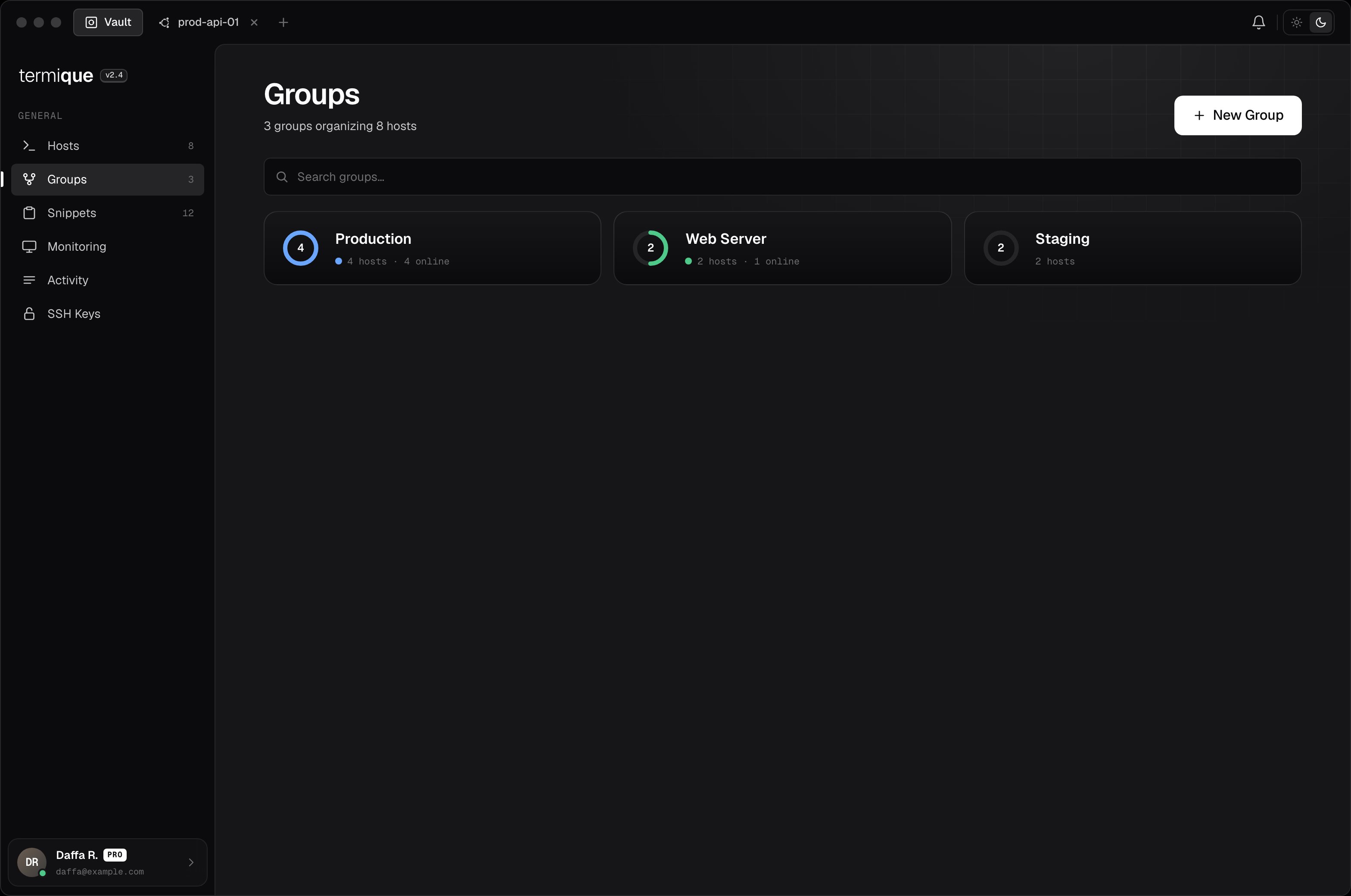
Create a group
- Click the + button next to the group list in the sidebar.
- Enter a name and pick a color.
- Click Save.
Add hosts to a group
Open the group and click Add hosts, then select from your host list. A host can belong to more than one group. Alternatively, open a host’s edit form and assign it to a group from there.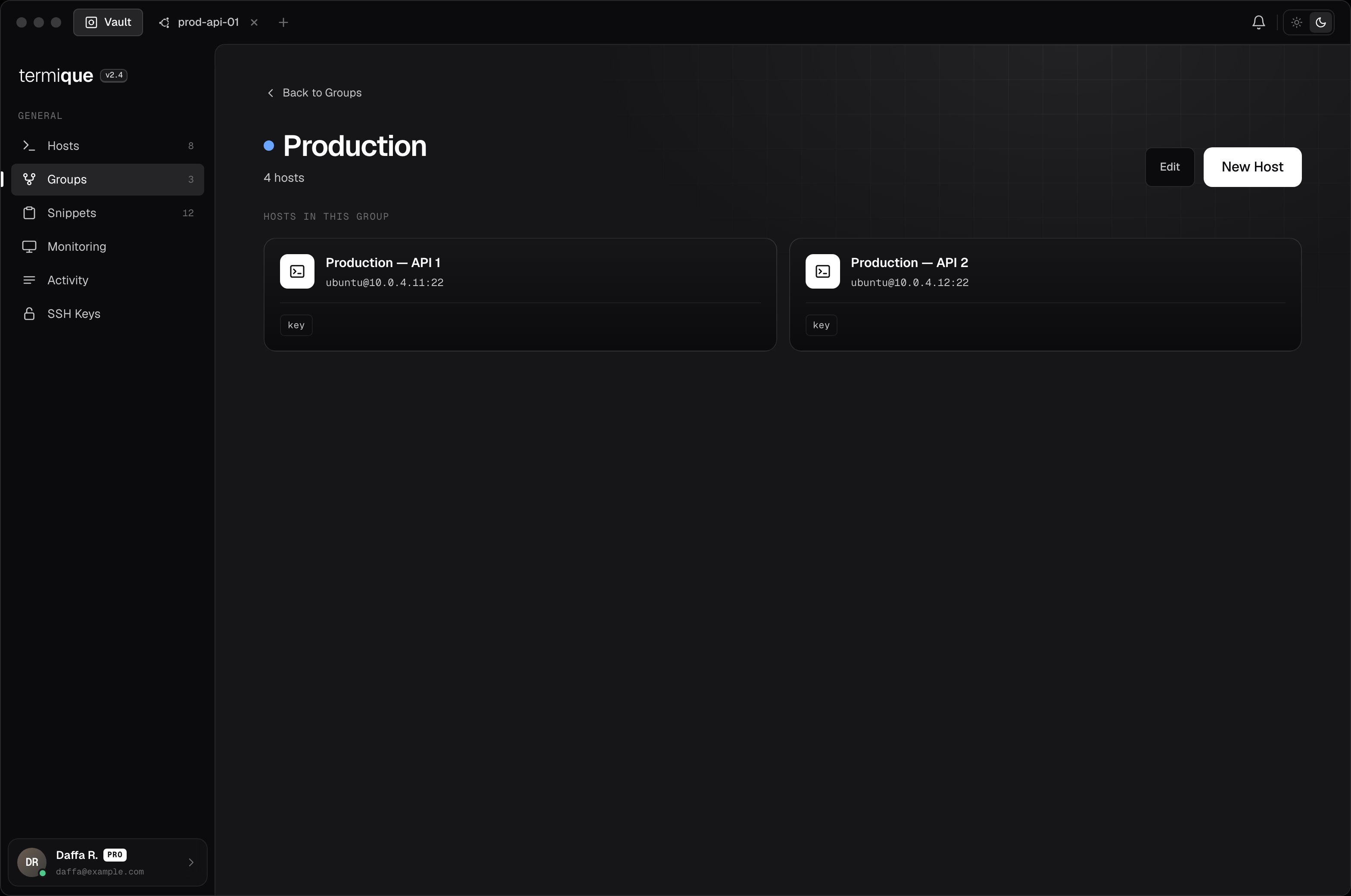
Remove a host from a group
Open the group, right-click the host entry, and select Remove from group. This does not delete the host. It only removes the association.Edit or delete a group
Right-click a group in the sidebar:- Edit: rename or change the color.
- Delete: removes the group. Hosts inside are not deleted.